Side project · 2026
FontiaPDF
A browser-based PDF editor that keeps the document's original embedded font
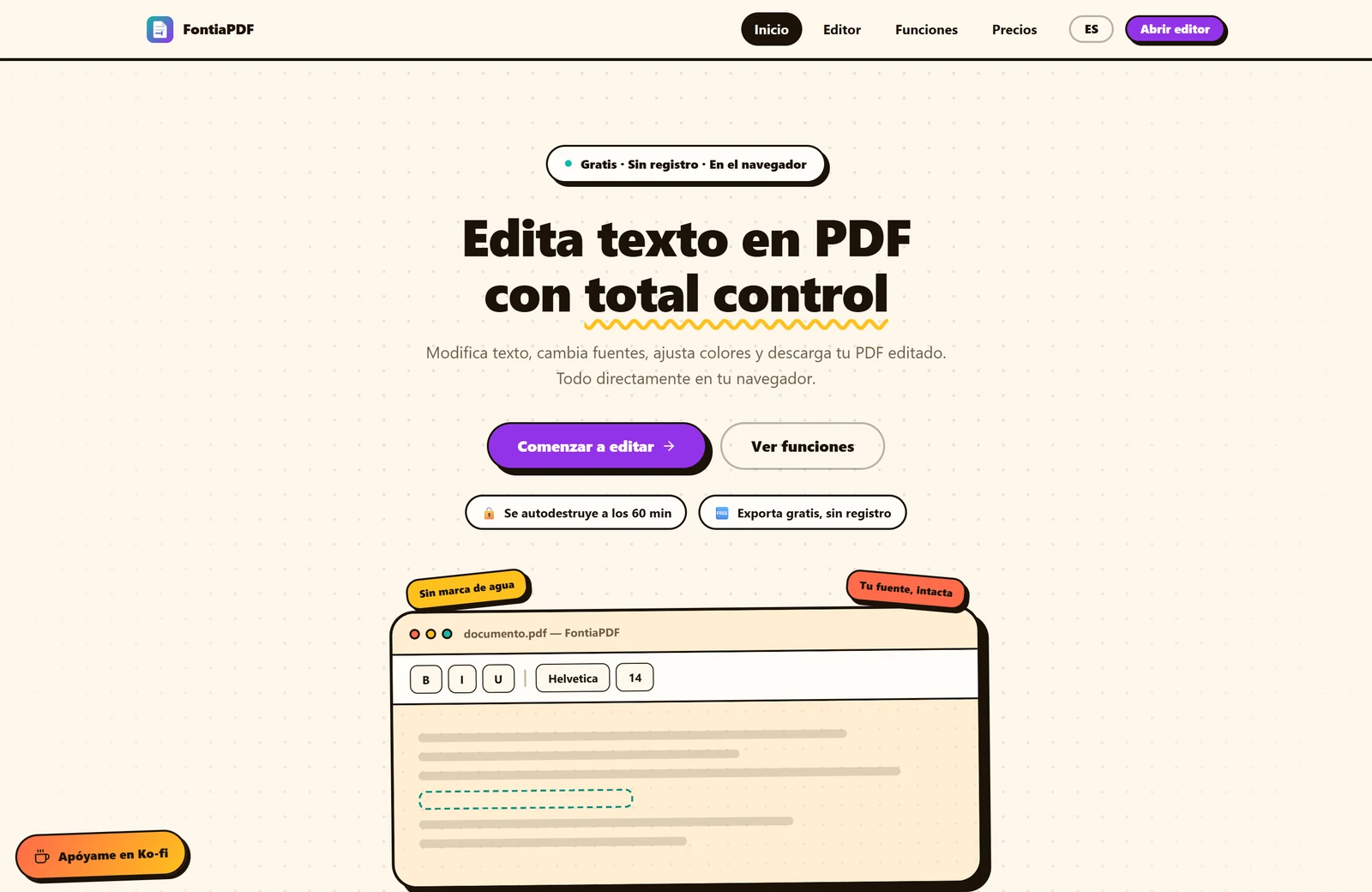
Editing the text in a PDF almost always shows. The usual tools cover the original text with a white rectangle and write on top, which works on a plain background and gives itself away as soon as there's a colour, a gradient or a photograph behind. And even when the patch is clean, the new text comes out in a different typeface, because the application doesn't have the font the document carries inside. FontiaPDF exists so that editing a PDF doesn't show: the result has to look like the original document, not a retouched one.
The yardstick was Sejda, the online PDF editor that solves this best. That promise depends on getting fonts right, which is where the name comes from. When PDF.js opens a document in the browser it already registers every embedded font as a real FontFace. FontiaPDF reuses that registry instead of guessing: it builds a per-document index where each font keeps its PostScript name, its ascent and descent, its character coverage and the CSS stack that references it. The editing box paints with that same typeface, so what you type looks exactly like what was there. On export, the back end re-embeds the font and, if only a few characters are used, generates a subset, so that fixing one word doesn't bloat the file with an entire typeface.
The hardest bug in the project turned up with a medical prescription. The text read "mlbdrce" where it said "Nombre:" and "ETCTLA RAGIfLEAD" where it said "RECETA MAGISTRAL". The cause wasn't in the editor: the PDF's /ToUnicode table, the one that maps internal codes to characters, was shifted by one position because the program that generated the file skipped a character while writing it. The document looks perfect on screen because the viewer draws by glyph index, but every text extractor in the world reads garbage, since they all start from that same table. The fix was to stop trusting it: the editor walks the page's operator list and paints by glyph code, just like the canvas does, and reserves Unicode for what really needs it, which is searching, editing and exporting. As a side effect, symbolic fonts stopped falling back to substitute typefaces.
The other fundamental decision is how replaced text disappears. Instead of covering it, FontiaPDF deletes it from the content stream, the internal structure where the PDF describes every drawing operation. That's handled by a Python script on top of pikepdf that the back end invokes as a subprocess, alongside the ones for font extraction, subsetting, compression, decryption and image manipulation. The old text stops existing in the file: it isn't hidden behind a white shape and doesn't appear if someone inspects the document. When deletion isn't possible, the system warns and falls back to covering, sampling the paper's real colour instead of assuming it's white.
On that foundation the editor grew into a complete tool: adding new text, search and replace across the whole document, filling AcroForm forms, rotating and deleting pages, inserting and manipulating the images the PDF already contains, signing by drawing or typing, highlighting and drawing shapes, opening password-protected documents and protecting the export. Compression was added too, reducing weight without rasterising: text stays text, selectable and crisp, instead of becoming an image as many compressors do.
The product is commercial and pays for itself. There's a free plan with no sign-up and a limited number of exports per day, and three paid options through Freemius: a seven-day pass, a monthly subscription and an annual one, with the licence active on one device at a time. Distribution leans on a deliberately minimal Chrome and Firefox extension: it doesn't process PDFs or read page content, it just opens the editor from the toolbar or from the right-click menu on a link. It asks for a single permission, with no access to tabs or visited sites, which also speeds up review in both stores.
Files are processed on the server and deleted after sixty minutes; they aren't used to train models and there are no third-party analytics cookies. Everything runs on a self-managed VPS behind Nginx and Cloudflare, with no PaaS provider, and deploys automatically from GitHub Actions.
The name change wasn't a branding decision but a reaction. Two days after RetypePDF launched, a third party registered retypepdf.com and published a near-identical PDF editor there. The first alternative, RewritePDF, was already taken by an active product. The second, RetextPDF, was applied across the whole codebase before being pulled, and for a reason that wasn't aesthetic: it's one syllable away from the previous name, and a search engine correcting "retext" to "retype" would have handed the traffic to the clone precisely when the new brand had no signals of its own. FontiaPDF was chosen after checking domain availability and trademark registries, and because it was the only candidate that named the product's real advantage: the font that's preserved.